Your Windows 10 machine still boots. It still pulls a monthly update. And the date that decides whether either of those keeps happening moved by a full year, inside a support document, with no keynote and no notification on your desktop.
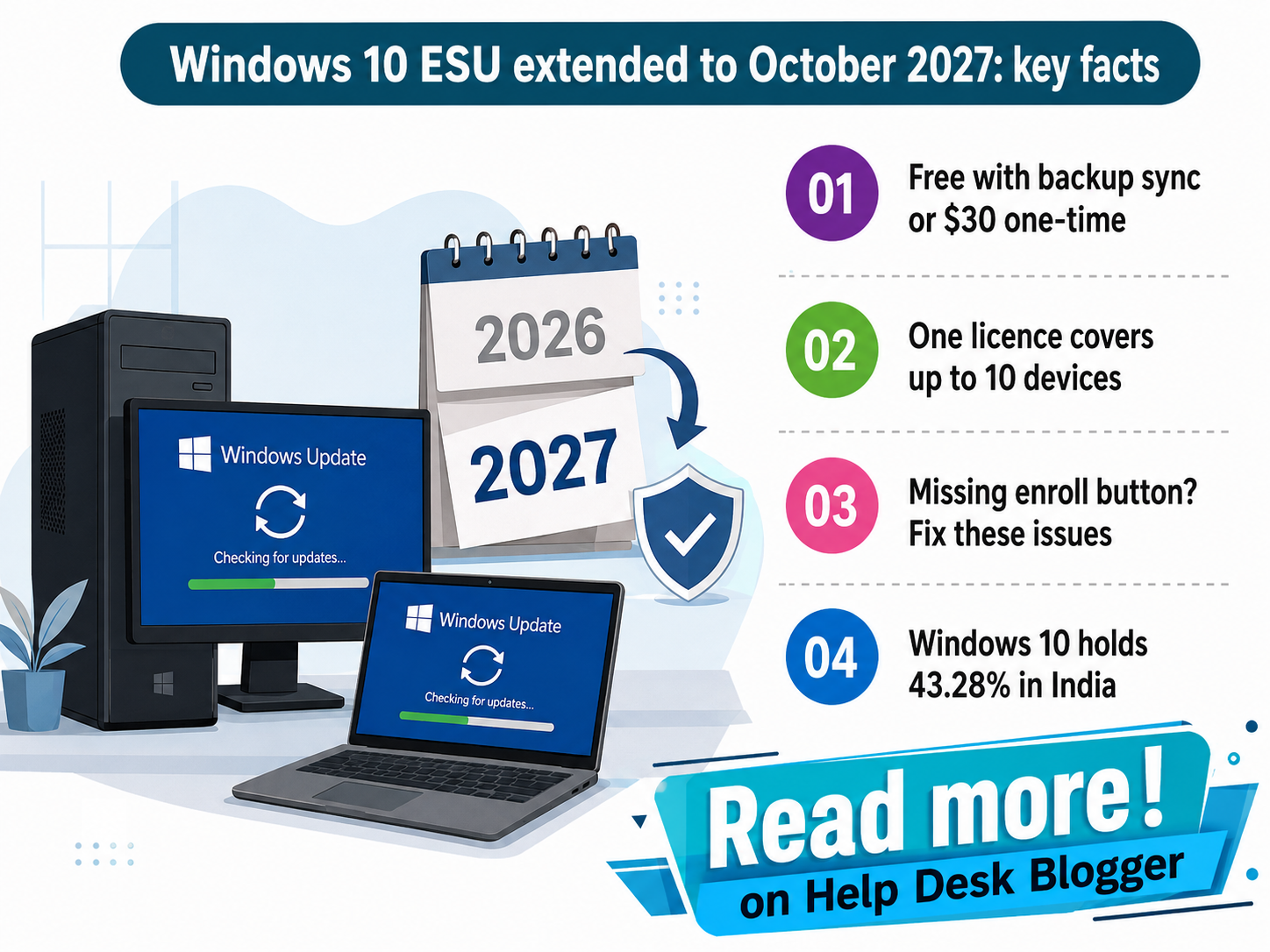
TL;DR: Microsoft pushed consumer Extended Security Updates for Windows 10 out to 12 October 2027, a year past the cutoff most coverage still quotes. Enrollment costs nothing if you switch on Windows Backup settings sync. The catch is that plenty of eligible PCs never show the Enroll now button at all.
Why a quiet date change matters
Microsoft ended support for Windows 10 in October 2025 and sold consumers a one-year bridge to cross. That bridge now runs to 12 October 2027. The company confirmed the extension on its own Extended Security Updates page rather than announcing it, and the reason is not much of a mystery. A press release saying you can safely keep the PC you already own for another year works against every Windows 11 adoption target the company has set.
Users pay for that silence. Statcounter's July 2026 measurement puts Windows 10 at 29.83% of desktop Windows worldwide, which is an enormous number of people making a replace-or-wait call against a deadline that is no longer the real one. Anyone pricing a replacement this year already knows the other half of the problem, which is what RAM and SSD pricing has been doing to upgrade budgets. Buy in a panic, buy badly.
The shape of the program matters more than the fact of it. Four numbers define what you are actually being handed, and not one of them resembles a normal Windows support commitment.
Extra runway
12 months
past the old 2026 cutoff
Paid tier
$30
one time, plus applicable tax
Devices covered
10
on a single ESU license
Still on Windows 10
43.28%
India desktop share, July 2026
The device allowance is the part most people read wrong. One enrollment is not one PC. It attaches to your Microsoft account and stretches across a household, so the spare laptop nobody ever updates and the desktop your parents use can ride along with your main machine at no extra cost. Families running mixed hardware get the best of this arrangement. Someone with a single old PC gets the worst of the pricing, and gets it without a discount.
Nearly half of India's Windows desktops run an operating system Microsoft stopped supporting in 2025. The extension buys time. It does not buy a future.
Three doors, one deadline
The real question is not whether ESU exists. It is which of three doors you walk through before the enrollment window shuts, because each one takes a different payment: money, compatibility, or a weekend.
| Decision factor | Stay on 10 with ESU | Move to Windows 11 | Replace the PC |
|---|---|---|---|
| Update scope | Critical and important security fixes only | Security fixes plus monthly feature servicing | Full servicing from the day it is set up |
| Out of pocket | Nothing with Backup settings sync, or 1,000 Rewards points | Nothing, if the PC clears the hardware check | Full replacement price, nothing recovered from the old PC |
| Hardware gate | Any 22H2 machine, no TPM or CPU test | TPM 2.0, Secure Boot, 8th-gen Intel or Ryzen 2000 upward | Ships compliant, nothing left to verify |
| Account rule | Administrator Microsoft account, local accounts must convert | Microsoft account required at Home edition setup | Same account rule applies at first boot |
| Time cost | Under 10 minutes once the prompt appears | Roughly 60 to 120 minutes for an in-place upgrade | A weekend, counting data migration and app reinstalls |
| What breaks | No bug fixes, no feature work, no support line | Vendor drivers for pre-2018 peripherals may stop shipping | Licence-locked software may need repurchase |
| Runway | Ends at the ESU cutoff, no fourth year announced | Runs past the ESU cutoff, end date not yet set | Resets the clock to a full Windows 11 lifecycle |
| Break-even | Cheapest for any PC you plan to keep under 2 more years | Repays on day one wherever the hardware qualifies | Repays only at 4 or more working hours daily |
| Best suited for | Working PCs that fail the Windows 11 check | Machines that pass the check but still run 10 | Daily-driver hardware built before 2017 |
Read the middle column first. If your PC clears the Windows 11 hardware check and you are still on 10 out of habit, ESU is not the answer to your problem. It is a way of postponing the problem for free, which is a different thing and a worse one. The left column exists for people whose hardware was ruled ineligible by a decision they had no part in, and that is the only group who should be shopping for a licence at all.
The four gates before the button appears
Version 22H2
Home, Pro, Pro Education or Workstations only
Updates current
The September 2025 security update is the floor
Admin Microsoft account
Local and child accounts are refused outright
Unmanaged PC
Domain-joined, MDM and kiosk devices excluded
Four conditions gate consumer enrollment, and failing any single one of them is the usual reason the Enroll now button never appears on an otherwise healthy machine.
Where enrollment actually fails
Most people who cannot enroll assume they are ineligible. Usually they are just behind. The enrollment path ships inside the cumulative update stream, so a PC that stopped updating in early 2025 has no idea the option exists, and no amount of clicking Check for updates will surface a button the machine has never received the code for.
The stranger failure is the opposite one. A PC that comfortably qualifies for Windows 11 can have the ESU option suppressed entirely, which sounds like a bug and behaves a lot more like a nudge. There have also been genuine defects: Microsoft shipped an out-of-band update, KB5071959, to repair an enrollment wizard that would start and never finish.
There is a familiar shape to all of this. A protection exists on paper, the mechanism to claim it is technically live, and the people it was written for cannot reach it. Readers who followed the gap between India's DND rules and what actually lands on your phone will recognise the pattern immediately. Rules that nobody is measured on reaching tend to stay unreached.
- Connected User Experiences and Telemetry (DiagTrack) must be running. Disabled, it kills the prompt silently and leaves no error behind.
- A local account will never see the option. Converting to a Microsoft account is not optional here, whatever your feelings about it.
- Enrollment attaches to the account, not the hardware, so signing a second PC into a different account restarts the entire gate check.
- Security fixes are all you get. A driver bug or an app crash on Windows 10 is now permanently your own problem to solve.
- The free path depends on Windows Backup settings sync remaining free. Microsoft has not committed to that for the life of the program.
Key takeaways, in the order you should act on them
1. Verify before you assume. Settings, then Update and Security, then Windows Update. An enrolled machine says so on that screen. Anything else is guesswork.
2. Patch, then look again. The enrollment code arrives with the update stream, so a stalled machine has to be brought current before the option can appear at all.
3. The honest grey area. Nobody outside Microsoft knows whether a fourth year follows October 2027. Planning as though one will arrive is exactly how machines end up unpatched, and that is opinion, not reporting.
Open Windows Update tonight and find out which side of this you are on. If the button is there, use it, because the free path costs a settings sync and nothing else. No button? Work the four gates in order before you go anywhere near a shop. And if your machine passes the Windows 11 check, close this article and run the upgrade instead. You were never the audience for ESU.
Related: Windows 11 September update problems and which patch actually fixes them
No comments:
Post a Comment
Note: Only a member of this blog may post a comment.